How to Easily Get a Copy of Your W-2
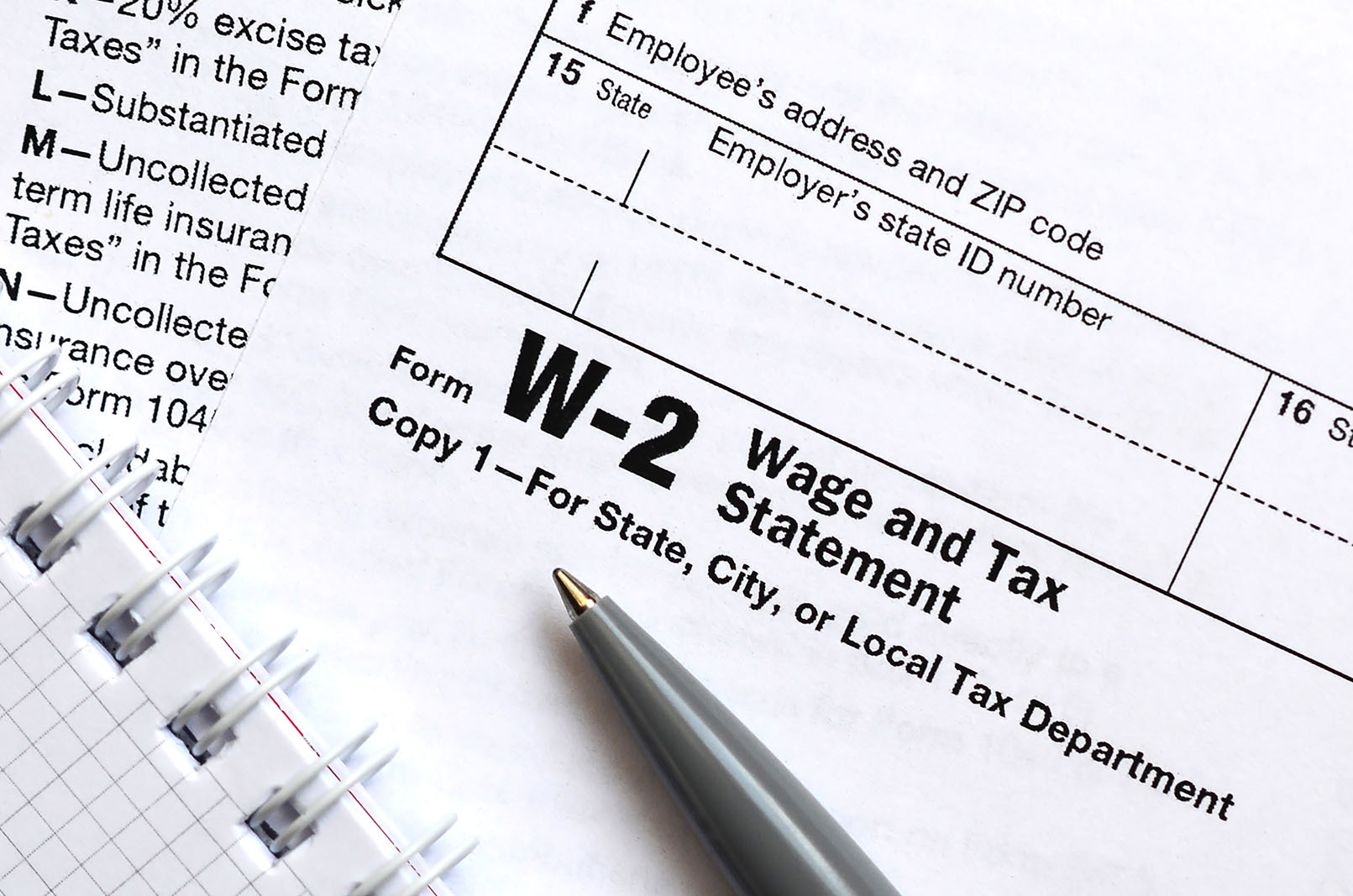
The fastest ways to get a copy of your W-2 are: (1) log in to your payroll provider’s portal (ADP, Paychex, or Workday) or your employer’s self-service site, (2) ask your current or former employer’s payroll/HR department, or (3) request a free Wage & Income Transcript from the IRS for prior years. Most people can pull a current or recent W-2 online in minutes through their payroll portal.
As an employee, you can expect your employer to provide a W-2 form at the beginning of each year. But sometimes it gets lost, never arrives, or you need one from an old job. Fortunately, there are several reliable ways to retrieve it — here’s each one, from fastest to slowest.
Table of Contents
Key Takeaways
- The quickest route is usually your payroll portal (ADP, Paychex, Workday) or your employer’s self-service site; many W-2s are downloadable there, even for former employees.
- Your current or former employer’s payroll/HR department can also provide a copy; they’re required to keep W-2 records for at least four years.
- For prior years, the IRS offers a free Wage & Income Transcript going back about 10 years.
- If you can’t get your real W-2 before the filing deadline, the IRS lets you file using Form 4852 (a substitute W-2) based on your last paystub — you cannot create your own W-2 to file.
The Fastest Ways to Get a Copy of Your W-2
Work through these in order; most people succeed at step 1 or 2 without ever needing the IRS.
1. Your Payroll Portal (Usually the Fastest)
Most employers deliver W-2s through a payroll provider, and you can often download yours the moment it’s available — even if you’ve left the company.
- ADP: Log in at my.adp.com (or your company’s ADP portal). Former employees can frequently still access past W-2s; if your login expired, use ADP’s “Forgot User ID” flow or the former-employee access option.
- Paychex: Log in to Paychex Flex (myapps.paychex.com) and look under tax documents.
- Workday / UKG / Gusto: If your employer uses one of these, log in and look for “Pay,” “Tax Documents,” or “W-2.”
Don’t know which provider your employer uses? That’s a quick question for HR — or check an old paystub, which usually shows the payroll company’s name. (For more on this route, see how to get your W-2 without going through HR.)
2. Your Current or Former Employer
If there’s no portal (or you can’t log in) contact the employer’s payroll or HR department directly and request a copy. Employers are required to keep W-2 records for at least four years, so even an old job should have yours on file. Some may charge a small fee for a reprint. Confirm the exact year(s) you need before you ask.
3. The IRS (Best for Prior Years)
If you can’t reach the employer, the IRS can provide the federal wage data from W-2s for roughly the past 10 years. This is covered in detail below.
Reasons to Retrieve an Old W-2 Form
There are several reasons you might need an old W-2:
- Filing back tax returns. If you missed filing in prior years, you’ll need those W-2s to file accurately and avoid penalties.
- Applying for loans. Lenders often require proof of stable income; past W-2s verify your earnings and work history.
- Legal reasons. W-2s may be needed for child-support calculations or to document income in a lawsuit.
- Tracing income history. W-2s are a reliable record of your earnings, employer health contributions, and retirement contributions.
You don’t always need a specific reason; if you discover a missing form, it’s worth grabbing a copy so it’s on hand later.
Getting a Copy of Your W-2 From the IRS
If you need a copy of your W-2, the IRS provides several options:
By Mail
Mail Form 4506-T (“Request for Transcript of Tax Return“), checking the box for Form W-2. Allow about three weeks; the slowest option.


By Phone
Call (800) 908-9946 to request a transcript by mail; it typically arrives within 10 days.
Online (Receive Transcript By Mail)
Visit the IRS Get Transcript by Mail page and complete the form to request your W-2 transcript. Like the phone method, your transcript should arrive in 10 days.


Use the IRS Website (Get Transcript)
For immediate access, log in to the IRS Get Transcript portal. If you don’t already have an IRS account, you’ll need to create one and verify your identity with additional documentation. Once verified, you can get my W-2 online for free by downloading your transcript instantly. This is the fastest method.
Use a Tax Preparation Professional
If you work with a tax preparation professional (such as an accountant), they may be able to retrieve your W-2 transcript on your behalf. Many tax professionals have IRS-authorized online accounts, allowing them to access records more efficiently.

What If You Can’t Get Your W-2?
A few situations need a different play:
- Your employer won’t furnish it. If you haven’t received your W-2 by February 14th, call the IRS at (800) 829-1040. They’ll contact your employer and request the missing form on your behalf.
- The business closed. If your old employer went out of business, your best routes are the IRS Wage & Income Transcript (above) and, for the Social Security portion, the SSA. Former-employee payroll portals sometimes remain accessible too.
- You’re out of time to file. If the deadline is approaching and you still can’t get your W-2, the IRS lets you file using Form 4852, a substitute for the W-2, which you complete using the figures from your last paystub of the year. If you no longer have that final paystub, a paystub generator can help you reproduce it accurately from your records so you can fill out Form 4852 correctly. (To be clear: this means reconstructing your real final paystub — you can’t create your own W-2 to file in place of your employer’s.)
Are you the employer? If you need to reissue a W-2 to an employee who lost theirs, you can generate a replacement W-2 from your payroll records in minutes.
FormPros Has You Covered
Simplify your paperwork with FormPros! From creating paystubs, W-2s, and 1099-NEC forms to generating LLC Operating Agreements and even voided checks, our easy-to-use platform has you covered. Save time, reduce errors, and handle your business documents with confidence!
FAQs
-
How can I get a copy of my W-2 online?
The fastest way is your payroll portal (ADP, Paychex, or Workday) or your employer's self-service site, where current and recent W-2s are often downloadable. For prior years, use the IRS Get Transcript tool to pull a free Wage & Income Transcript.
-
How do I get a W-2 from a previous employer?
Log in to the payroll portal you used while working there (it often still works after you leave), or contact their payroll/HR department directly. Employers must keep W-2 records for at least four years.
-
Can I get my W-2 from the IRS?
Yes — a free Wage & Income Transcript through Get Transcript, going back about 10 years. It contains the federal data from your W-2 rather than an exact copy, but that's sufficient for most filing needs. Current-year data isn't available until after employers file.
-
What if my employer won't give me my W-2 or went out of business?
If you haven't received it by February 14th, call the IRS at (800) 829-1040 and they'll contact the employer. If the business closed, use the IRS transcript. If you still can't get it before the deadline, file with Form 4852 using your last paystub.
-
Can I just generate a copy of my lost W-2 to file my taxes?
No. A W-2 is issued by your employer, so you can't create your own to file with. If you can't obtain the real one in time, the proper route is Form 4852 (substitute for W-2), completed from your last paystub. Employers, however, can legitimately generate a replacement W-2 to reissue to an employee.
